
Your experience,ready for the right opportunity.
Create a resume around the role you want. Edit your content beside a live preview, choose a considered design, and finish with a document you are ready to share.
Your words and your design, with AI support when you need it.
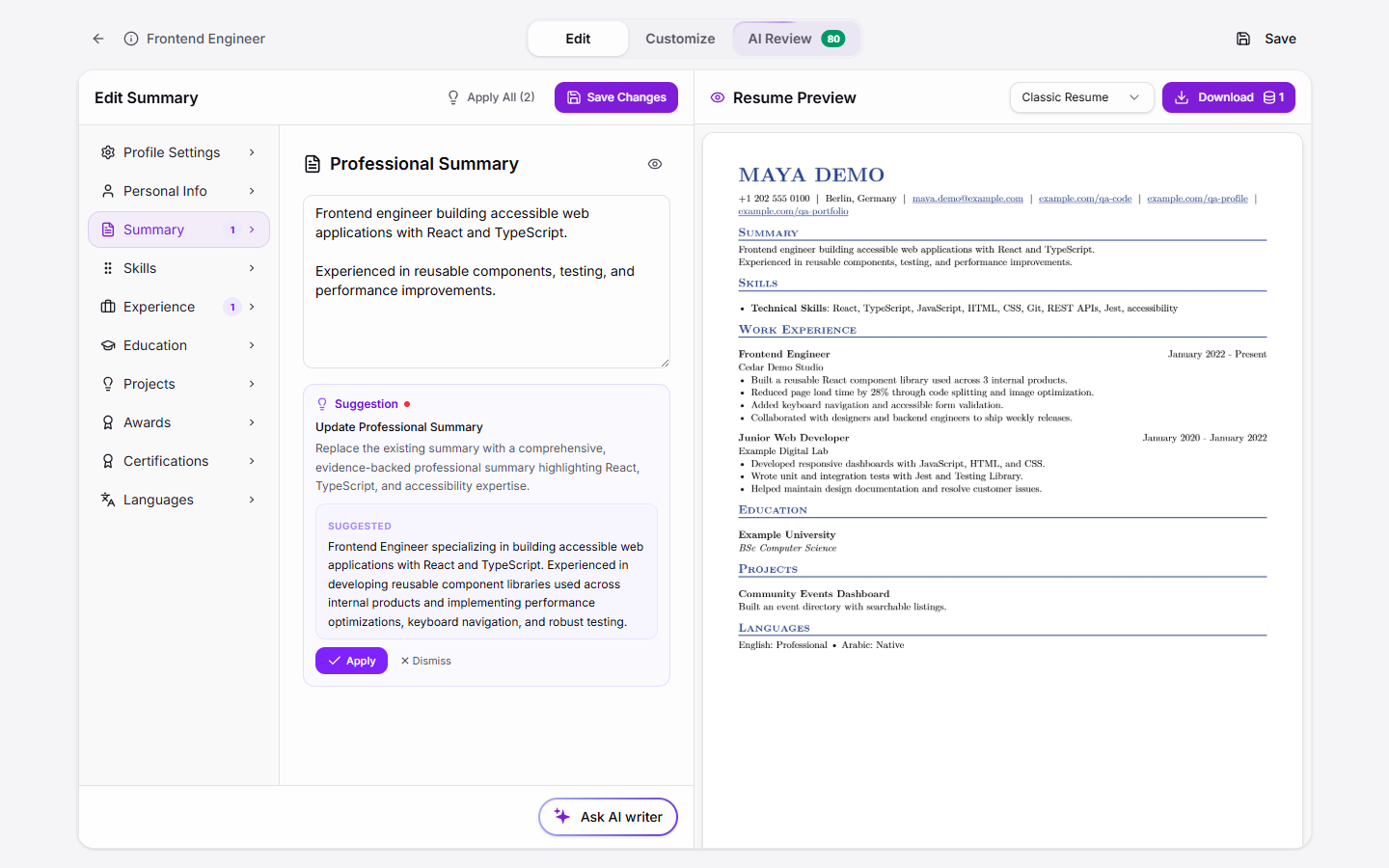
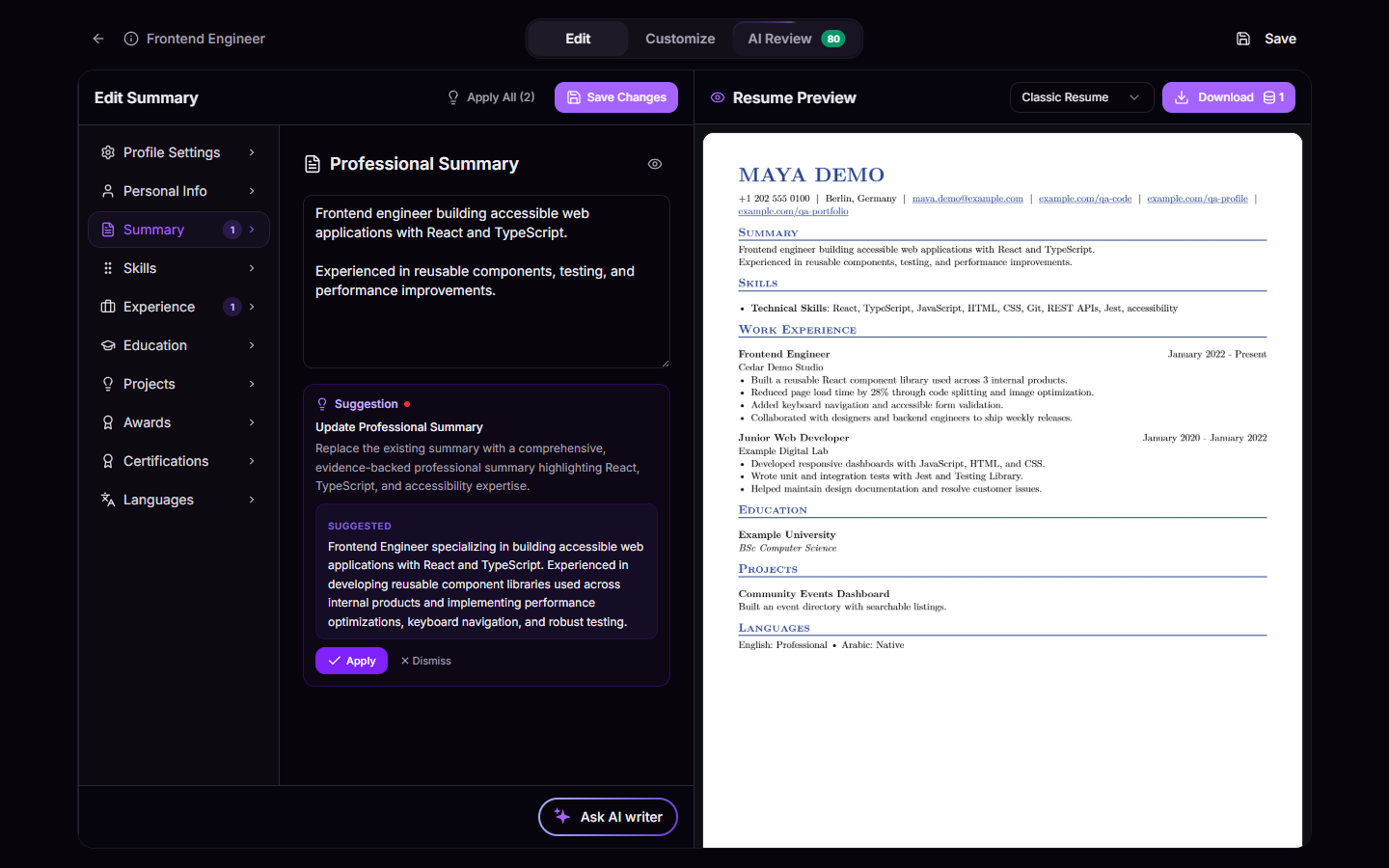
See the document take shape as you work.
Keep your content and the finished page in view together. Make a change, check the preview, and keep moving toward a resume that represents you.
Give good experience a clear presentation.
Choose a template, adjust the style and layout, and use AI feedback to spot what needs attention before you export.
Content
Shape your experience around the opportunity you are applying for.
Design
Choose a template and customize its style and layout.
Review
Inspect AI feedback while you work on the document.
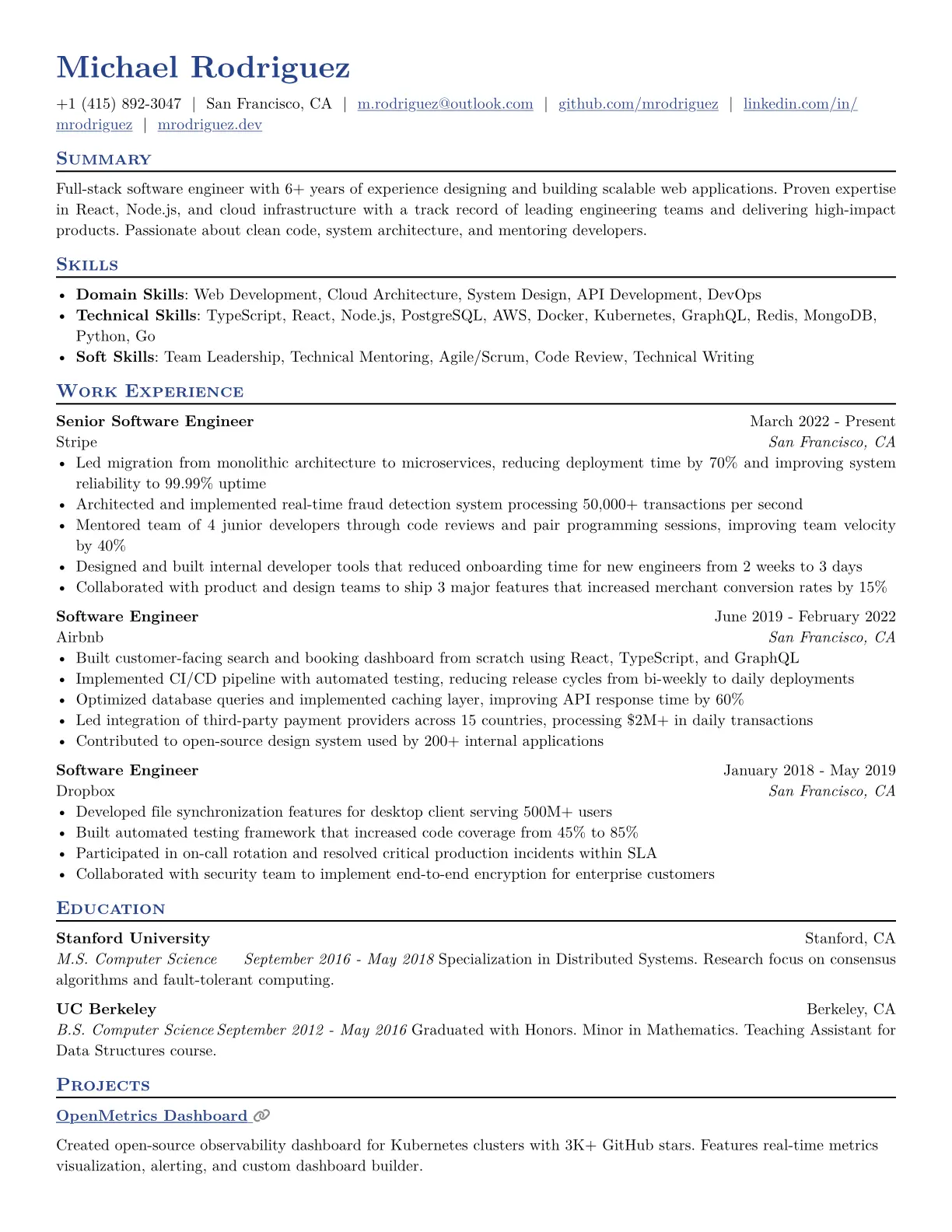
Start with a template
Browse all templates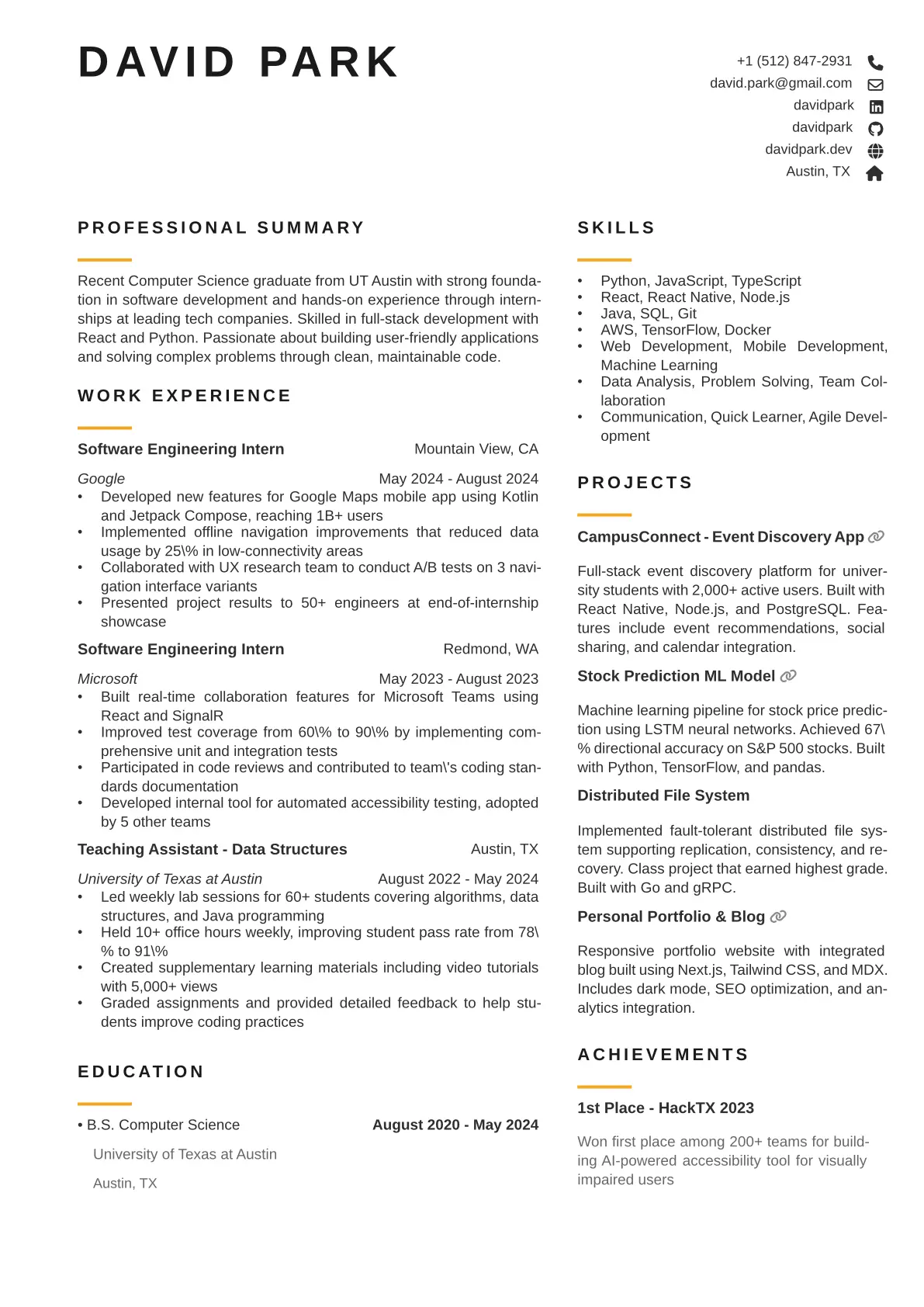
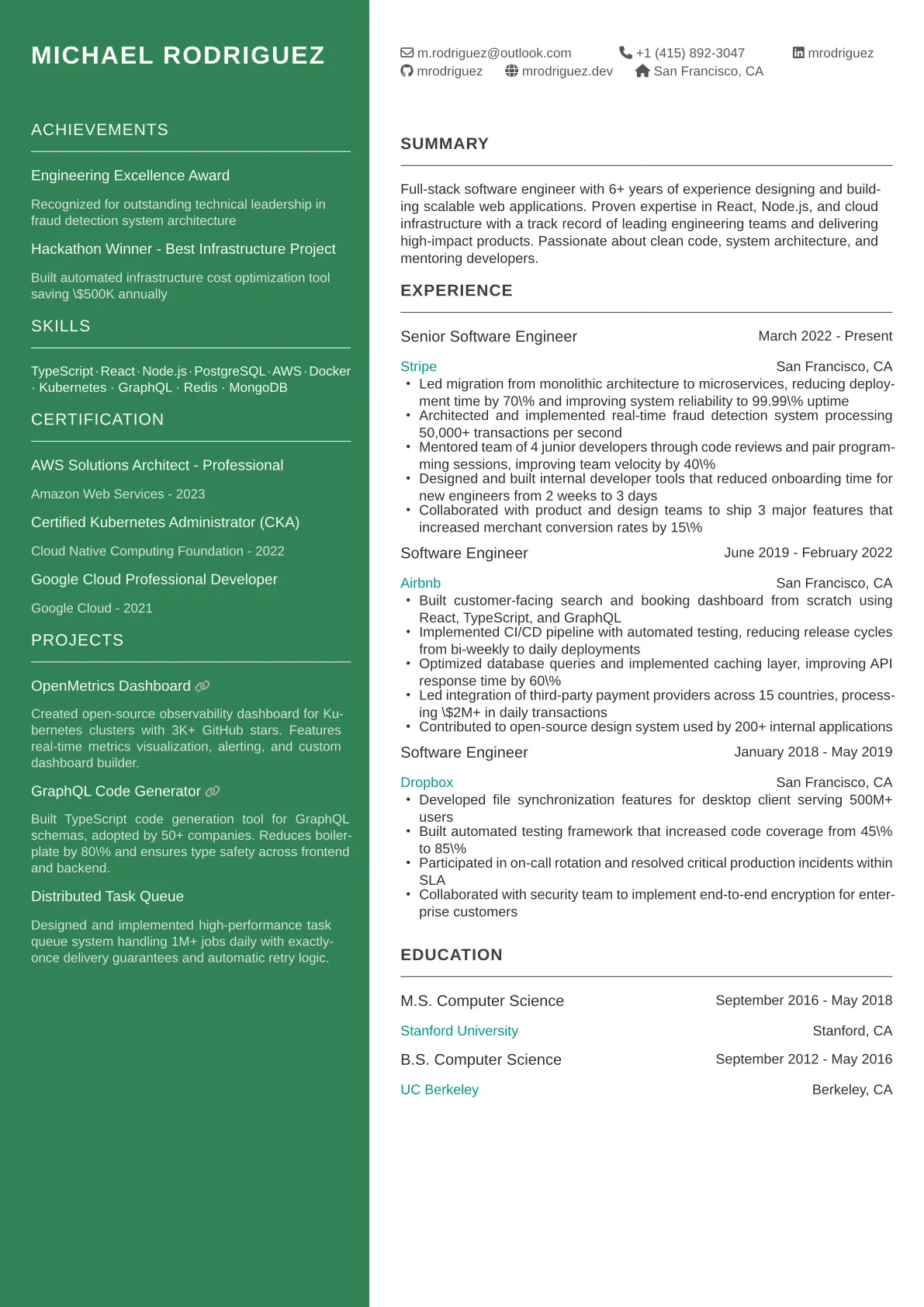
From career context to a finished document.
- 1
Start with your experience
Use your career information and the role you want to target.
- 2
Make it your own
Edit the content and refine the design beside a live preview.
- 3
Review and export
Check the details and download a PDF ready for your application.
A few things you might be wondering
Can I edit what AI writes?
Yes. You stay in control of the resume content. Edit the text, review it in the live preview, and make sure it accurately reflects your experience.
Can I change the resume design?
Yes. The builder includes templates and controls for style and layout, so you can adjust the document while keeping the preview in view.
Can I download my resume?
Yes. The builder produces a PDF that you can download when the content and design are ready.
Give your resume one more thoughtful look.
Get a focused review and work through the improvements that deserve your attention.