
A second look.A clearer next draft.
Get an AI review that helps you understand your resume. See the reasons behind the score and work through improvements linked to the content on your page.
Free to start. Clear priorities. Specific feedback. You decide what to change.
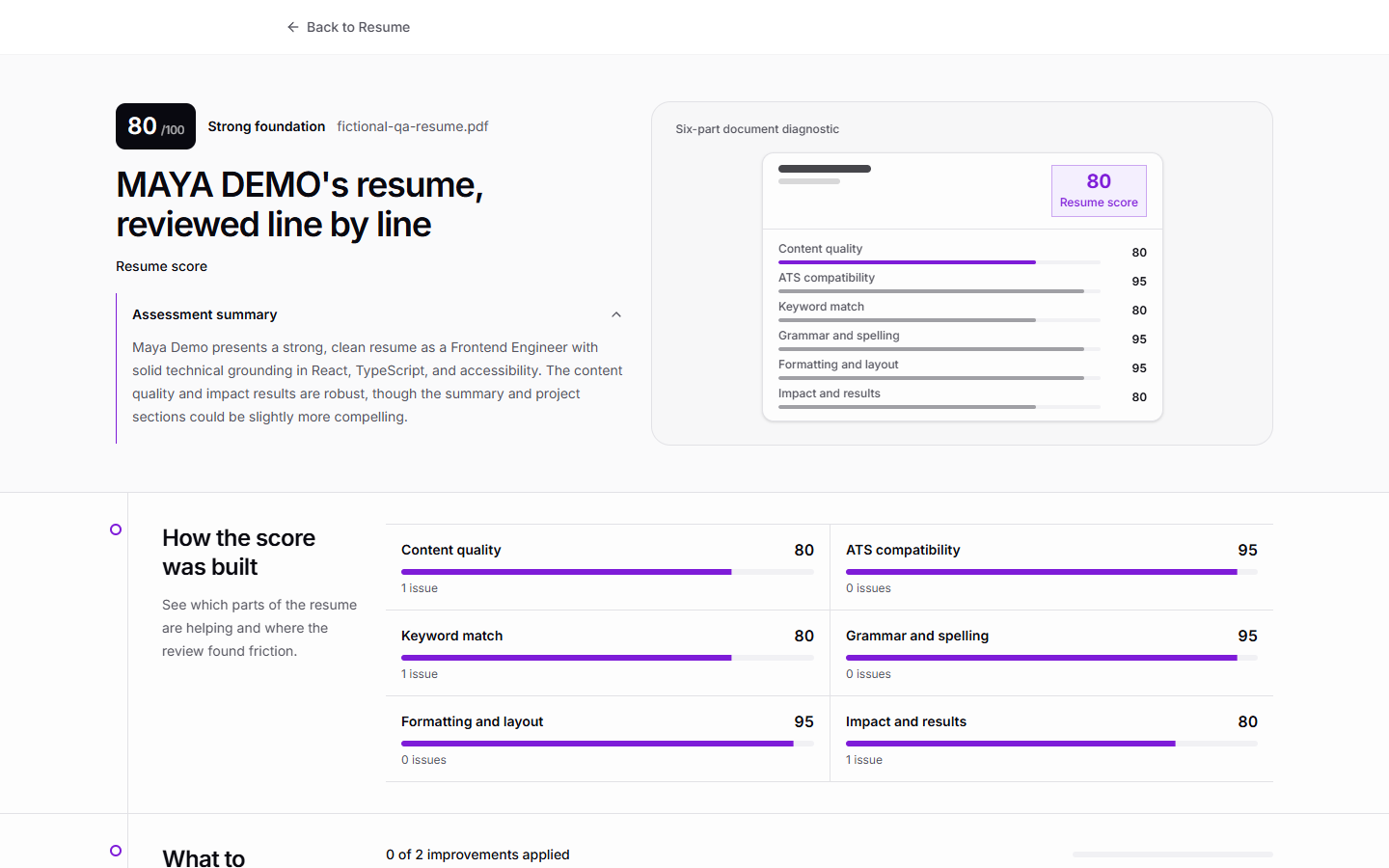
Know what deserves your attention first.
- 1
Start with the priorities
Use ordered recommendations to focus your next editing session.
- 2
Find the evidence
Connect an issue to the part of your resume it refers to.
- 3
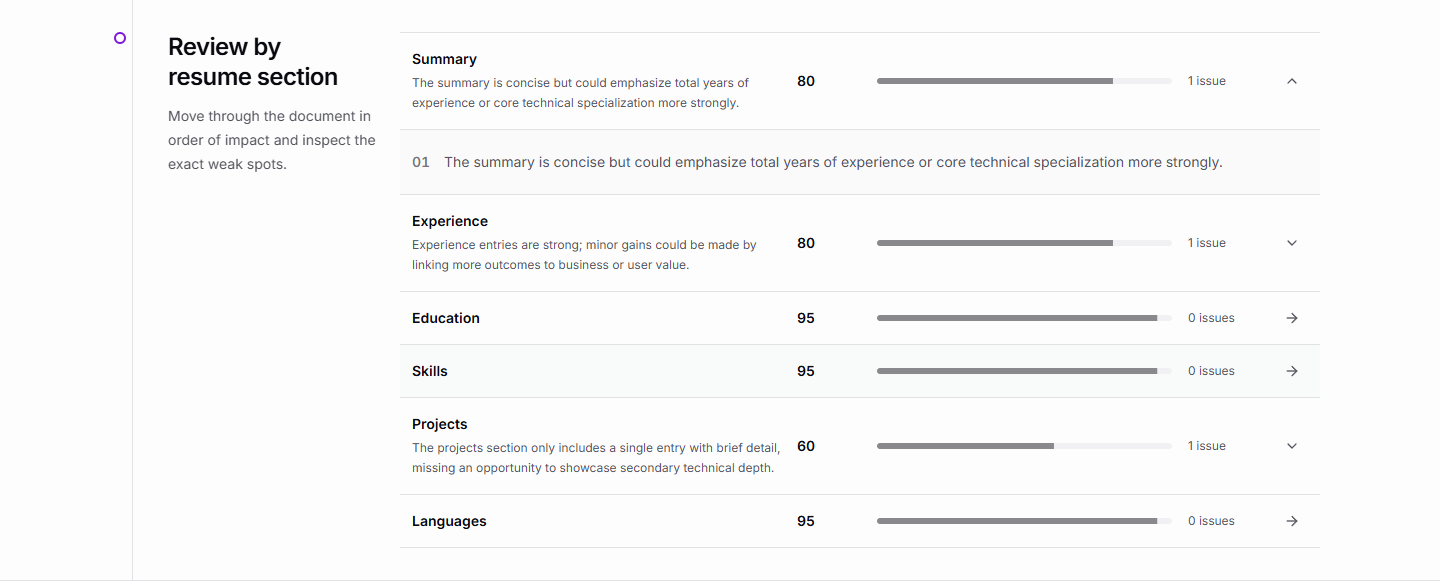
Improve one section at a time
Read specific feedback without losing sight of the whole document.
Feedback you can actually work with.
Move from a report overview to the details that matter. Review recommendations, inspect individual issues, and understand what each section could do better.
A more useful path from feedback to revision.
- 1
Bring your resume
Submit the document you want to improve.
- 2
Read the reasoning
Explore the score, recommendations, and section-level feedback.
- 3
Make the next draft stronger
Apply the changes that best reflect your real experience.
A few things you might be wondering
Does a higher score guarantee an interview?
No. The score is an AI assessment to help guide improvements. Hiring depends on the role, employer, and many factors beyond a resume score.
What does the review include?
The report includes an overview, prioritized recommendations, section feedback, and individual issue details connected to resume evidence.
Should I apply every suggestion?
Treat the feedback as guidance. Check each suggestion against your actual experience and the role you want, and keep the edits that make your resume clearer and more accurate.
Turn useful feedback into a finished resume.
Edit your content, adjust the design, and see each improvement take shape in the builder.