
There is more to youthan a resume can hold.
Create a professional page that brings your experience and projects together. Make it your own, preview the result, and publish a link you can share.
A focused editor for a page that feels like you.
Give your work room to speak.
Build your page in one place. Add project links, adjust the style and layout, and check the preview before you publish.
Build your story
Bring your professional experience and project links together.
Make it feel like you
Customize the style and layout in the page editor.
Share when you are ready
Preview your page, publish it, and share the link.
See how people in the Tadween community share their work and experience.
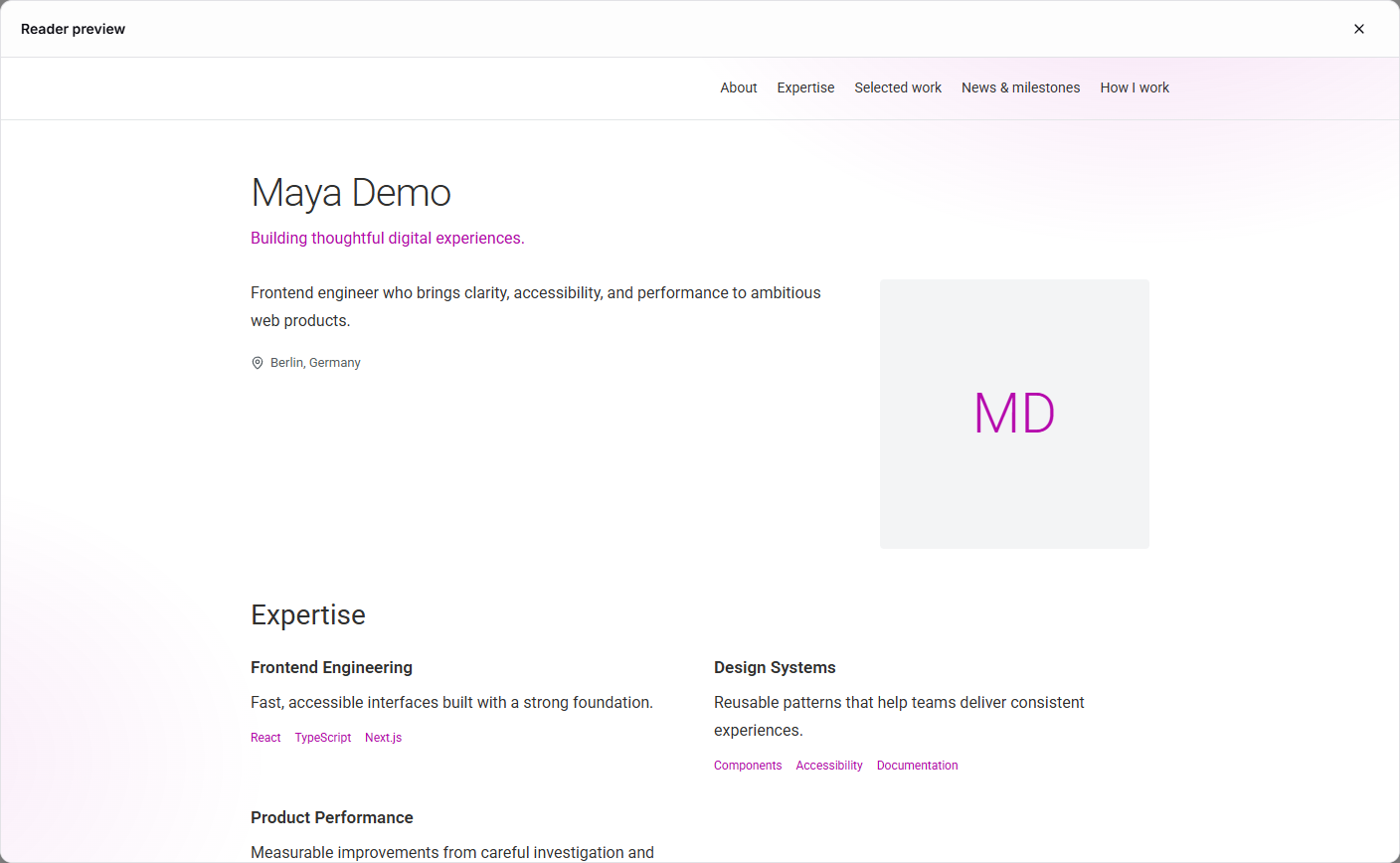
A considered home for your professional story.
Your resume introduces you to a role. Your personal page gives people a place to explore the work and experience behind it.
From a first draft to a page you can share.
- 1
Create the page
Start with the experience and projects you want to present.
- 2
Refine the presentation
Customize the design and review it in preview mode.
- 3
Publish your link
Make the page public when you are ready for people to see it.
A few things you might be wondering
Can I see the page before publishing?
Yes. The editor includes a preview mode so you can check your page before publishing it.
Can I include my projects?
Yes. You can add project links and bring your work into the professional story you share on your page.
Can I customize how the page looks?
Yes. The editor includes controls for style and layout, so you can shape the presentation before publishing.
Your next achievement belongs in the story, too.
Keep your projects, career notes, and supporting documents together in your workspace.